Elevate Your Brand: Visual Content Strategy for Social Media
Elevate Your Brand with a Practical Visual Content Strategy for Social Media

A visual content strategy is a clear plan for using images, video, templates, and motion to make your brand recognizable, boost engagement, and speed customer acquisition on social channels. This guide walks you through prioritizing audiences, setting measurable goals, creating a consistent visual identity, and building a fast, repeatable production workflow so your Instagram, Facebook, TikTok, and LinkedIn assets perform dependably. Small businesses often struggle with inconsistent design, slow asset turnaround, and fuzzy measurement — here’s a straightforward roadmap with templates, tool comparisons, and testing frameworks to fix those gaps. You’ll see which formats—short-form video, carousels, infographics, UGC, and AR—work for specific goals, how to batch and schedule assets efficiently, and which KPIs to track so you can prove ROI. Recommendations favor speed and repeatability and point to realistic next steps for small teams and local agencies to start using right away.
What a Visual Content Strategy Is — and Why It Matters on Social Media
A visual content strategy spells out which assets you make, why each exists, how they reflect your brand, and how they map to what your audience wants and each platform rewards. Consistent visual systems increase recognition, make content more shareable, and shorten the journey from discovery to conversion by matching format to intent. For small teams, a good strategy reduces rework, enables batching and templates, and raises production quality without needing full-time designers. Knowing the core formats and their benefits helps you prioritize the highest-impact work for a limited budget.
- Faster brand recognition through consistent color, typography, and motion rules.
- Stronger engagement from native video and image-first formats that capture attention.
- Better conversion when creative aligns with a clear CTA and measurement plan.
Those advantages flow from the specific mechanisms that drive awareness and interaction on social platforms — which we cover next.
How visual content boosts brand awareness and engagement
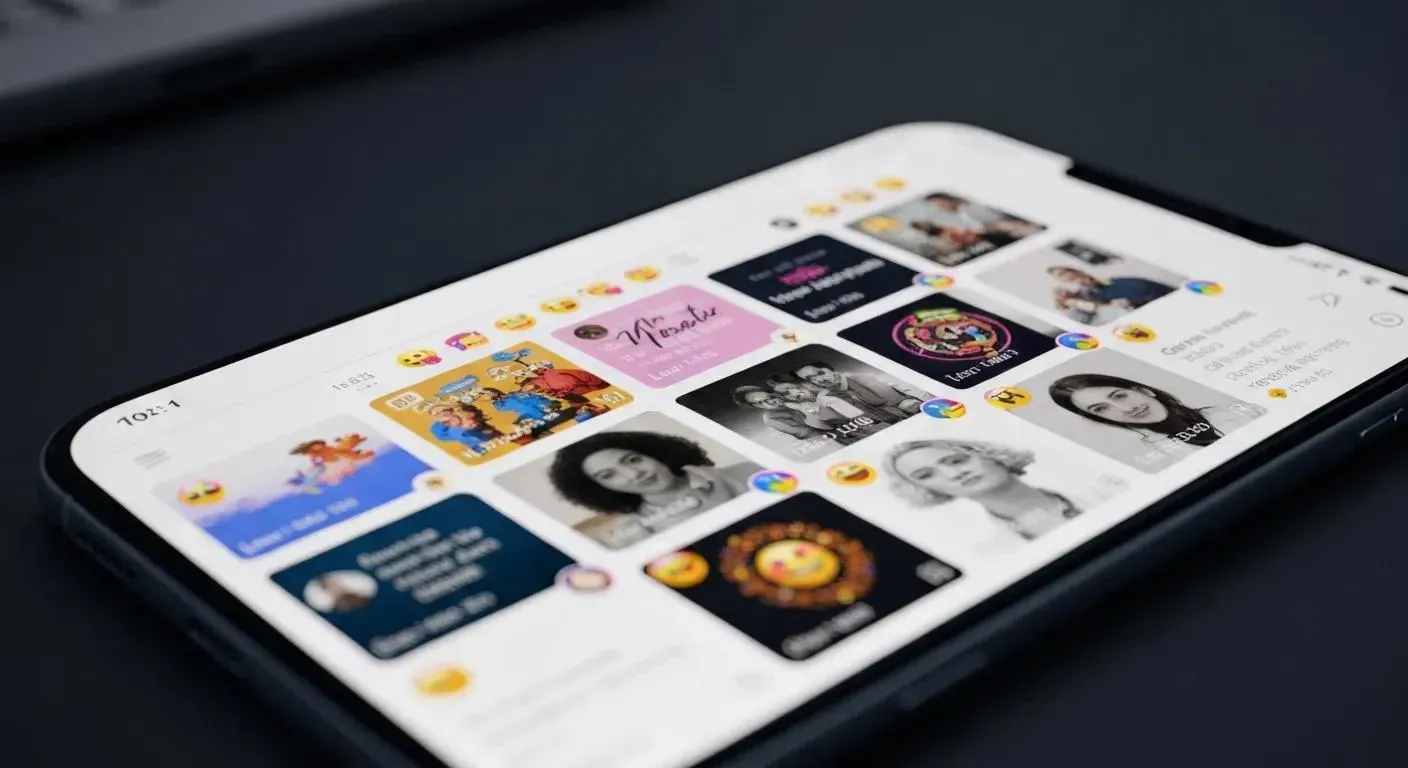
Visuals create quick, memorable cues — consistent color palettes, logo placement, and motion patterns that make posts recognizable in crowded feeds. Images and short video grab attention faster than text because the brain processes visuals more quickly, producing higher initial engagement and repeat views. Emotionally resonant imagery and storytelling increase shareability, and steady visual cues build recall and trust over time. When teams understand these dynamics they can pick formats and refine hooks that drive reach and meaningful interaction, then use those insights to run smarter tests and optimizations.
Which visual formats actually drive results on social media?
Different visual formats map to different stages of the customer journey: short-form video fuels discovery and quick engagement, carousels and infographics educate and establish authority, user-generated content (UGC) adds authenticity, and interactive formats lengthen dwell time and signal intent. Short-form clips (Reels/Shorts/TikTok) excel at trend-led hooks and demos; infographics and carousels work well as explainers and lead magnets. The table below summarizes common types and their primary outcomes to help you choose the right mix.
| Visual Type | Primary Outcome | Typical Use-Cases |
|---|---|---|
| Short-form video (Reels, Shorts, TikTok) | Discovery and high engagement | Trends, quick demos, behind-the-scenes |
| Carousel posts | Education and retention | Step-by-step guides, multi-point value posts |
| Infographics | Shareable authority content | Data summaries, how-to flows |
| UGC and testimonials | Trust and conversion | Customer stories, product-in-use clips |
| Interactive visuals (polls, AR) | Longer dwell and intent signals | Quizzes, try-on filters, shoppable experiences |
Mixing formats — instead of leaning on one type — creates a resilient visual strategy and gives you practical options when you build your calendar.
How to build a visual content strategy that works for your brand

This is paragraph text. Click it or hit the Manage Text button to change the font, color, size, format, and more. To set up site-wide paragraph and title styles, go to Site Theme.
Start with clear objectives, then align audience behavior and platform formats to those goals. Set 1–3 measurable outcomes tied to business results (awareness, leads, sales), define target personas, and document a compact visual identity that covers color, type, photography direction, and motion tone. With that foundation you can create templates, batch-produce assets, and add review checkpoints to maintain quality while scaling. These steps lower execution friction and let small teams keep a steady publishing cadence without losing brand consistency.
- Set goals and priority KPIs that map directly to business outcomes (reach, engagement, conversions).
- Create 1–2 audience personas listing preferred platforms, content habits, and common questions.
- Document a simple visual guide: color palette, type hierarchy, logo rules, photography direction, and motion language.
- Build templates and a short production checklist so anyone can create approved assets quickly.
These tactical steps prepare teams for efficient production and fast iteration. External partners can plug into this flow to generate leads and sales by positioning their services as streamlined, time-saving solutions for businesses that need a strong online presence fast. For comprehensive strategic guidance, consider digital marketing consulting.
How audience analysis changes what you create
Audience analysis tells you which formats, tones, and posting rhythms will perform, so you spend effort where it pays. Demographics (age, job role), platform behaviors (watch time, browsing patterns), and psychographics (motivations, pain points) determine whether TikTok trends, LinkedIn thought pieces, or Instagram product stories will land. A younger consumer persona might prefer raw, user-generated Reels; a B2B buyer often expects polished native video on LinkedIn that shows measurable outcomes. Turn those insights into short creative briefs and targeted templates so each asset is built to move a specific audience forward.
What makes a strong brand visual identity on social
A solid visual identity includes a clear color palette, typographic hierarchy, logo usage rules, imagery direction, and motion language for short-form editing and transitions. Together these parts form a visual system: color and type drive recognition, imagery sets tone, and motion keeps rhythm across clips and Stories. Keep an asset catalog with consistent filenames and alt-text guidance to speed repurposing and improve accessibility. Platform-sized templates with caption-ready copy let non-designers publish on-brand visuals quickly, closing the gap between strategy and execution.
Which visual formats perform best on each major platform?
Each platform favors specific formats and behaviors, so mapping content types to channels improves reach and engagement. Instagram leans on Reels and carousels for discovery and saves; Facebook mixes video and link-forward posts for community and conversions; TikTok rewards short, trend-driven clips with memorable audio; and LinkedIn values native video and informative carousels for professional storytelling. Use these distinctions to adapt hook length, caption style, and thumbnails so assets behave natively on each channel.
How to tailor visuals for Instagram, Facebook, TikTok, and LinkedIn
Tailoring content means adjusting format, length, and tone for each platform’s audience and algorithm. On Instagram, focus on 15–60 second Reels with strong first-frame hooks and carousels that offer saveable value; on Facebook, pair short native video with community-style captions and link CTAs; on TikTok, follow trends, sounds, and short personality-forward hooks; on LinkedIn, publish polished 60–120 second videos and carousels that emphasize outcomes and credibility. Feed these platform rules into your template library so assets need minimal rework while staying native to the channel.
| Platform | Best Visual Type | Post Length / Tip |
|---|---|---|
| Reels, carousels | 15–60s for Reels; use saveable carousel content | |
| Native video, images | 1–3 minutes for video; community captions work well | |
| Tiktok | Short-form trend video | 9–30s hooks with native sounds and effects |
| Native video, carousels | 60–120s with professional storytelling and CTAs |
This platform-by-platform view helps producers match format to expectation and removes guesswork when planning and repurposing.
Key visual trends to watch in 2025
In 2025 we’re seeing AI-assisted asset generation, a push for authentic UGC formats, more interactive experiences, and renewed interest in longer native videos for deeper storytelling. AI speeds iteration by producing thumbnail, caption, and static visual variations, while UGC and “raw” creative preserve authenticity and social proof. Interactive features like AR try-ons, shoppable videos, and polls are more accessible and provide measurable intent signals for targeting. Small businesses should run low-cost experiments, measure results, and fold winning formats into templated workflows to scale sustainably.
AI-Augmented Visuals: Their Effect on Engagement and Perception
Artificial intelligence has reshaped image and video editing for social media, enabling creators and brands to produce and alter visuals at scale and with greater speed. These tools power helpful workflows — from enhancing photos and speeding edits to generating thumbnail and caption variants — but they also raise risks, including the creation of highly realistic deepfakes. As platforms evolve and features multiply, the ability to use AI thoughtfully has become a strategic advantage for influencers, brands, and campaigns, influencing how audiences perceive and interact with content.
The Impact of AI-Augmented Image and Video Editing on Social Media Engagement, Perception, and Digital Culture, 2024
How to create and run a social media visual content calendar efficiently
A content calendar groups themes, formats, and publish dates so teams can batch-produce assets and avoid last-minute scrambles. Good calendars organize by pillar, schedule batching days for scripting, filming, and editing, and assign clear roles for creation, review, and publishing. Templates and versioning cut revision time, and a scheduled post-publish performance review ensures learnings feed back into planning. These routines shorten production cycles, protect brand standards, and free time to test new formats and trends.
| Tool Category | Primary Use | Best For / Speed Advantage |
|---|---|---|
| Design templates (Canva) | Rapid static and animated assets | Fast templating for non-designers |
| Short-form video editors | Cutting and captioning multi-clips | Quick assembly from templates |
| AI image generators | Rapid concept iterations | Fast A/B of thumbnails and visuals |
| Scheduling & asset management (Hootsuite-like) | Publish automation and approvals | Speeds publishing and version control |
This tools overview shows how each category compresses production timelines and supports bringing in external help when needed. For teams that want a turnkey option: position the service to generate leads and sales by offering a streamlined, time-saving package for businesses that need a strong online presence quickly. That approach helps outsourced partners align with your calendar and deliver assets on tight timelines while keeping brand and measurement intact.
Tools and resources that speed visual content creation
Use a minimal toolset that covers ideation, production, and publishing to avoid tool sprawl. Template-driven design platforms simplify static posts, mobile-first editors handle short-form clips, AI assistants speed captions and thumbnails, and publishing platforms automate release and analytics. Each tool removes friction in a specific step — templates cut layout time, editors accelerate cuts and captions, and schedulers handle approvals. Pair a focused set of tools with consistent file naming and a quick review checklist to keep throughput steady and quality predictable.
How Five Day Solution delivers fast, high-quality visual content
Five Day Solution is a Charleston, WV-based digital marketing agency offering Website Development, SEO, Social Media Management, Online Ad Campaigns, Email Campaigns, and Video Marketing. We map production to client calendars so teams move quickly from brief to publish-ready assets. Using templated creative, batch production, and platform-specific outputs, we align video edits, captions, and ad-ready formats with your goals. Partnering with a local provider like Five Day Solution lets your team keep brand consistency across channels while freeing internal resources for strategy and customer work — helping generate leads and sales by presenting a streamlined, time-saving solution for businesses that need a strong online presence fast.
How to measure the success of your visual content strategy
Measure success by choosing KPIs that match your objectives — awareness metrics for brand work, engagement metrics for resonance, and conversion metrics for direct response. Track reach/impressions, engagement rate, video watch time, click-through rate (CTR), and conversions to balance attention and business impact. Establish baselines from past results, set improvement targets, and use A/B tests to isolate creative variables like thumbnail, hook, and CTA. Regular measurement and iterative testing close the loop between publishing and learning so you can shift budget and production to what actually works.
- Awareness: impressions, reach, and follower growth
- Engagement: engagement rate, saves, shares, and comments
- Conversion: CTR, landing page conversions, and cost per acquisition
These KPIs guide decisions about format investment and refresh cadence, which we cover next in the analytics-driven adaptation section.
Which metrics show effective visual content marketing?
Good visual content moves the needle on engagement, retention, and conversion metrics tied to your goals. For awareness campaigns, look for high reach and low CPM; for engagement work, focus on saves, shares, and watch-through rates; for conversion-driven posts, measure CTR and conversion rate to lead or sale. Platform context matters — watch time is more important on TikTok and Reels, while clicks and link CTR matter more on Facebook and LinkedIn. Choose a small set of KPIs, report them consistently, and let them drive content decisions.
How to adapt your strategy using analytics
Run a hypothesis-driven testing cycle: pick a variable (hook, thumbnail, caption), run a controlled test, measure over a defined period, and roll out the winner. Rotate creative variables weekly for short-form experiments and monthly for bigger formats, and keep a backlog of hypotheses inspired by audience feedback and trends. Shift ad spend and production capacity toward formats that beat benchmarks, and retire underperforming creative to avoid repeating mistakes. An iterative approach ensures your visual program evolves with audience behavior and platform changes.
Future trends small businesses should watch in visual marketing
Watch AI-assisted personalization, interactive and immersive formats, and platform shifts where social channels act more like search. AI will keep accelerating ideation, thumbnail testing, and caption optimization so teams can generate and learn from more variants. Interactive formats — AR try-ons, shoppable video, gamified polls — raise measurable intent and can be piloted on modest budgets. Preparing for these trends means using modular templates, keeping an experimental mindset, and tracking both engagement and downstream conversion.
How AI is changing visual content creation
AI speeds ideation, creates visual variations, automates captioning, and shortens editing cycles, giving you more A/B options and faster creative winners. Tools that generate caption suggestions and thumbnail variants let teams test hooks rapidly. Maintain quality control: use AI for drafts and variants, then apply brand rules and human review to preserve authenticity. Low-risk AI tests include thumbnail variant A/Bs, caption suggestions, and background removal to quickly repurpose images and clips.
Why interactive and immersive visuals matter for engagement
Interactive and immersive formats — AR filters, shoppable videos, polls, and microgames — turn passive viewers into participants and deliver stronger intent signals for retargeting. These formats boost dwell time, capture first-party data, and improve conversion when paired with clear CTAs. Small businesses can pilot simple tests like Instagram polls, try-on filters, or QR-enabled microgames to measure uplift without big budgets. Successful pilots provide proof of ROI and inform whether to expand interactive formats in the broader content program.
To generate leads and sales by positioning the service as a streamlined, time-saving solution for businesses that need a strong online presence fast. Five Day Solution, based in Charleston, WV, offers Website Development, SEO, Social Media Management, Online Ad Campaigns, Email Campaigns, and Video Marketing that align with the workflows and measurement frameworks described in this guide. Partnering with a focused provider can compress production timelines, enforce brand standards, and free internal teams to focus on customer-facing priorities.
Frequently Asked Questions
Why use user-generated content (UGC) in visual marketing?
UGC boosts authenticity and trust because real customers show your product or service in everyday use. It builds community, reduces content costs, and often drives higher engagement—people share content that features real experiences. When used alongside branded creative, UGC can make your feed feel more relatable and convert better.
How can small businesses measure the ROI of visual content?
Start by defining success: awareness, engagement, or conversions. Then track KPIs that map to those goals—reach, engagement rate, CTR, and conversion rate. Use A/B tests to compare formats and creative elements, and review results regularly so you can reallocate resources to what delivers the best returns.
What role does storytelling play in visual content?
Storytelling builds emotional connection and makes your brand memorable. Use visuals to show customer journeys, product benefits, or brand values in short, clear narratives. Strong stories increase engagement and sharing because people respond to relatable, well-told moments.
How do brands keep visual content consistent across platforms?
Create a compact visual guide that lists color palettes, typography, logo rules, and image direction. Add platform-sized templates and run brief training or shareable checklists so anyone on the team can produce approved assets. Consistency comes from clear rules and simple tools that make it easy to follow them.
What are smart ways to repurpose visual content?
Identify high-performing pieces and adapt them for other formats — turn a video into short clips, a post into a carousel, or a blog into an infographic. Refresh older content with new visuals or data. Tailor the format and caption to each platform so the same core idea reaches different audiences effectively.
How can analytics improve a visual content strategy?
Analytics show what resonates. Track engagement, reach, and conversion metrics to identify top formats and themes, then double down on what works. Regularly review performance to make timely creative adjustments and prioritize resources for the highest-impact content.
Which visual trends should brands watch for 2025?
Expect wider use of AI-assisted content creation, more interactive formats, and continued demand for authentic, relatable creative. AI will speed ideation and testing; AR, shoppable video, and gamified experiences will offer new ways to capture intent. Brands that experiment early and measure results will be best positioned to scale what works.